Add text to a PDF, free
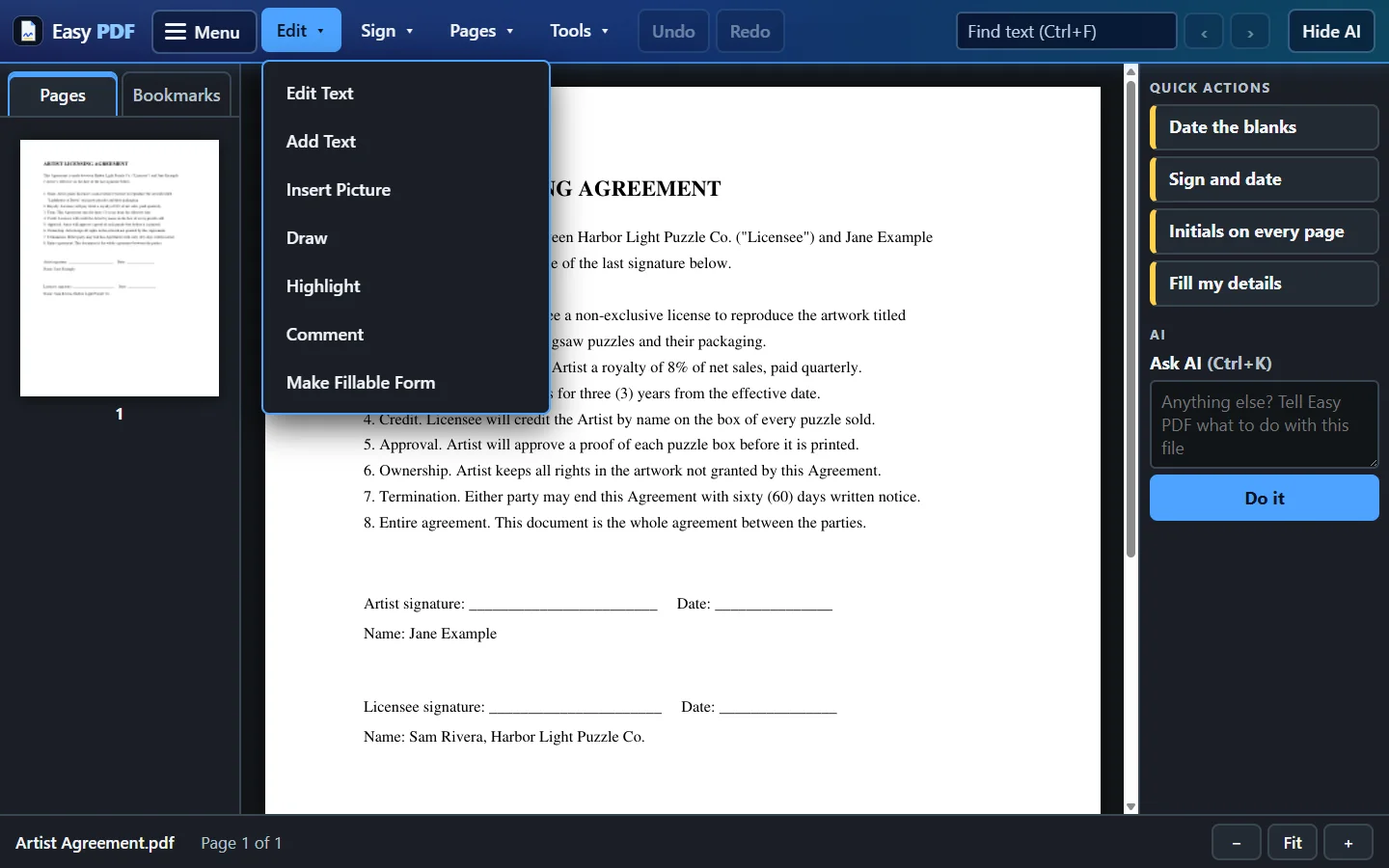
Got a form with blank lines but no boxes to click? Click anywhere on the page and type. Move the words until they sit on the line.
- Choose your PDF
- Click Add Text, then click where the words go
- Type, move it into place, download
Free, no account: up to 10 files a day, up to 25 MB each. Files are deleted from our server when you close them.
More free tools
Questions
Is this the same as filling in a form?
Close. If the PDF has boxes you can click, Fill a form is quicker, and Tab jumps from box to box. Add text works on any page, boxes or not.
Can I type on a scanned page?
Yes. Your words go on top of the page, so it works on scans and photos of paper forms too.
Are my files safe?
Files travel encrypted. With the free tools, each file is deleted from our server when you close it. With a plan you choose: delete each file when you close it, or keep your files for 30 days so Open Recent works, and delete everything at any time. The desktop app keeps your files on your own computer.