Add or remove a PDF password, free
Sending a pay stub or a tax form? Put a password on it so only the person you tell can open it. Or take the password off your own file so you stop typing it.
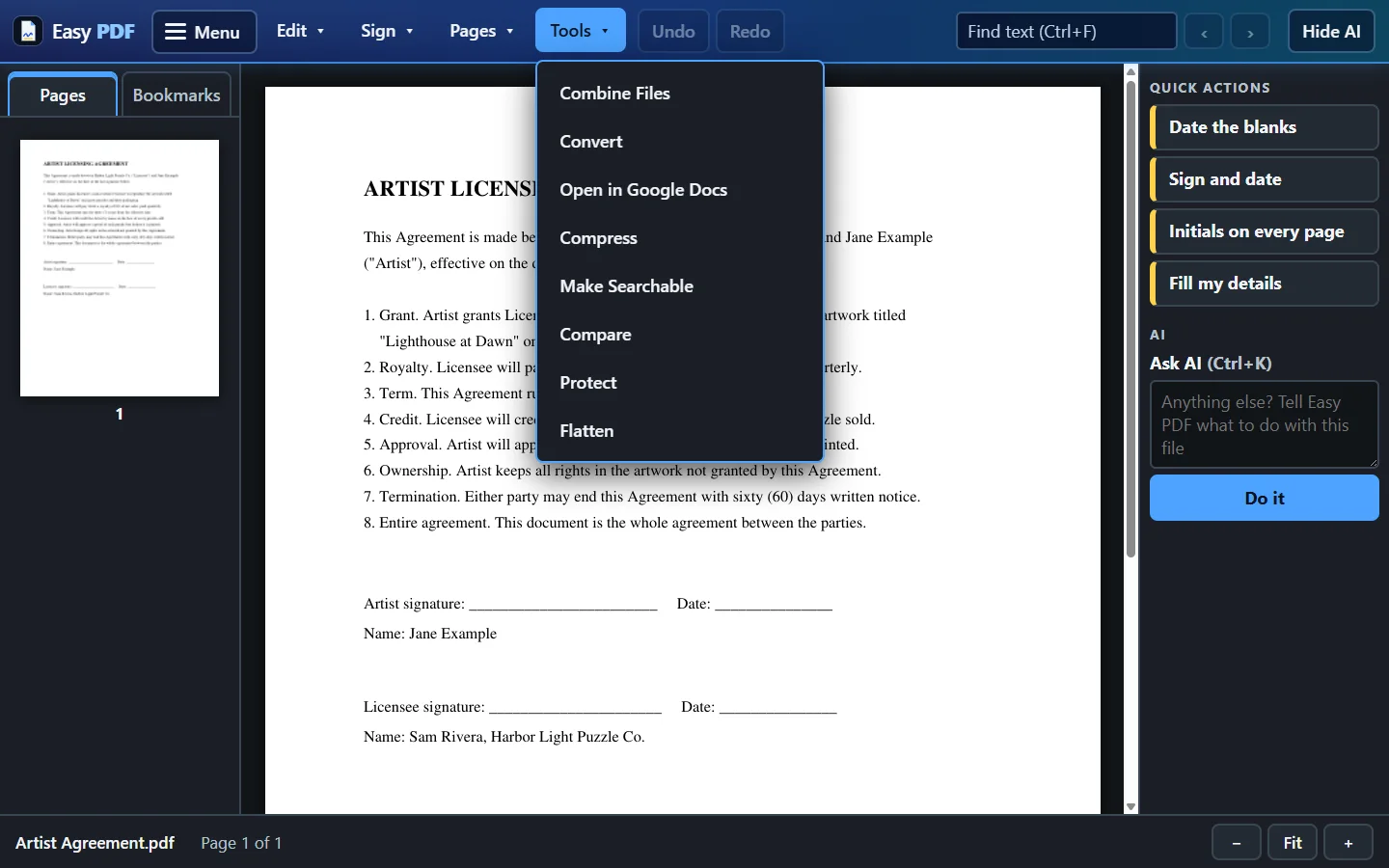
- Choose your PDF
- Type a new password, or choose to remove the one it has
- Download the locked or unlocked copy
Free, no account: up to 10 files a day, up to 25 MB each. Files are deleted from our server when you close them.
More free tools
Questions
Can you open a PDF if I forgot its password?
No. To take a password off, you need to know it. That keeps locked files locked, including other people's.
How should I send the password?
Not in the same email as the PDF. Text it or tell the person by phone, so anyone who gets into the email still can't open the file.
Are my files safe?
Files travel encrypted. With the free tools, each file is deleted from our server when you close it. With a plan you choose: delete each file when you close it, or keep your files for 30 days so Open Recent works, and delete everything at any time. The desktop app keeps your files on your own computer.