Flatten a PDF, free
After you fill in a form, the boxes can still be changed. Flatten locks your answers into the page, so what you send is what they see.
- Choose the filled-in PDF
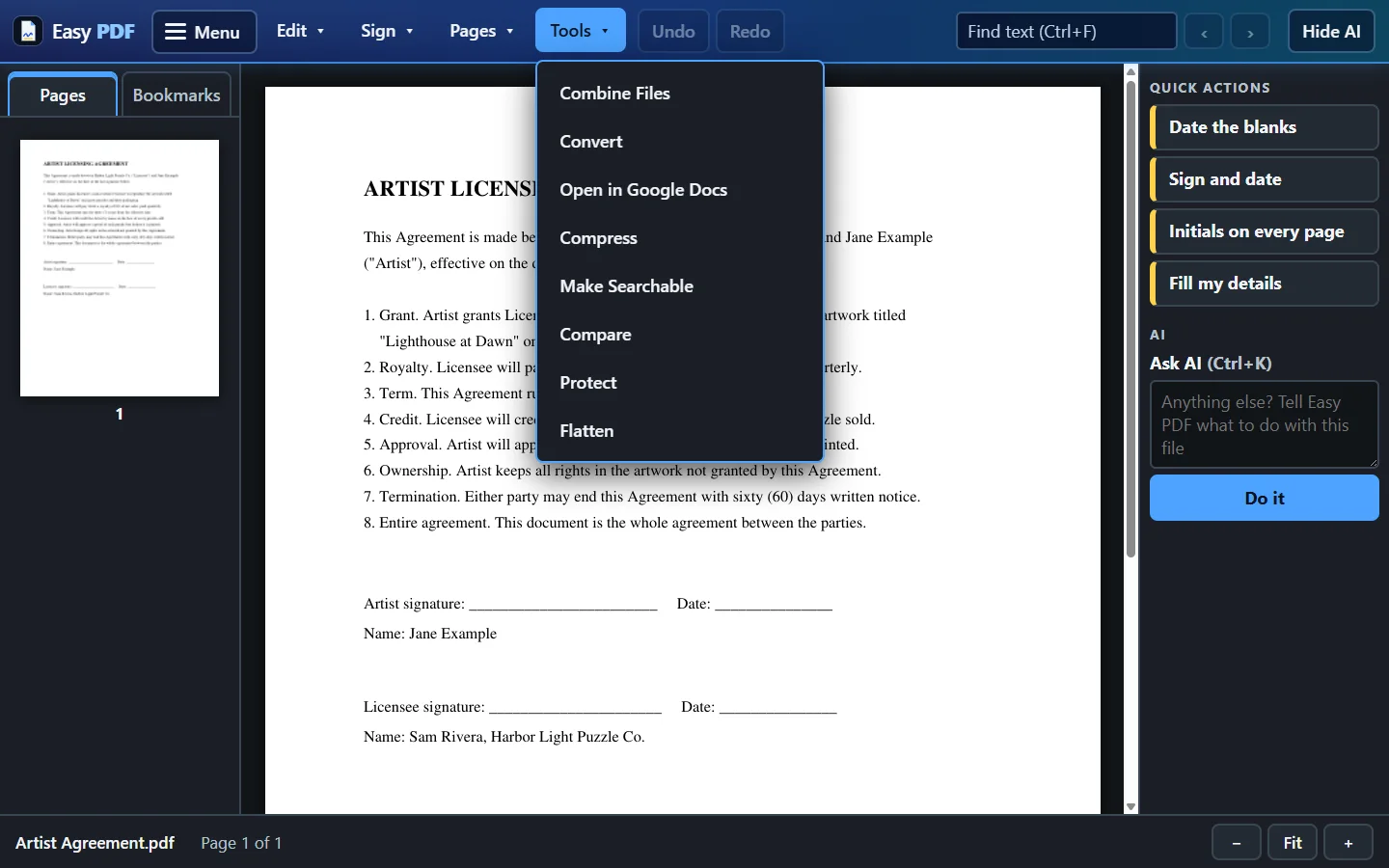
- Click Flatten
- Download the flattened copy
Free, no account: up to 10 files a day, up to 25 MB each. Files are deleted from our server when you close them.
More free tools
Questions
When should I flatten a PDF?
Before you send a finished form, a signed contract or a marked-up page. Some printers and upload sites only show form answers properly once they are flattened.
Can I undo it?
Not in the flattened copy, so keep your original if you might need to change an answer later.
Are my files safe?
Files travel encrypted. With the free tools, each file is deleted from our server when you close it. With a plan you choose: delete each file when you close it, or keep your files for 30 days so Open Recent works, and delete everything at any time. The desktop app keeps your files on your own computer.