Make a scanned PDF searchable, free
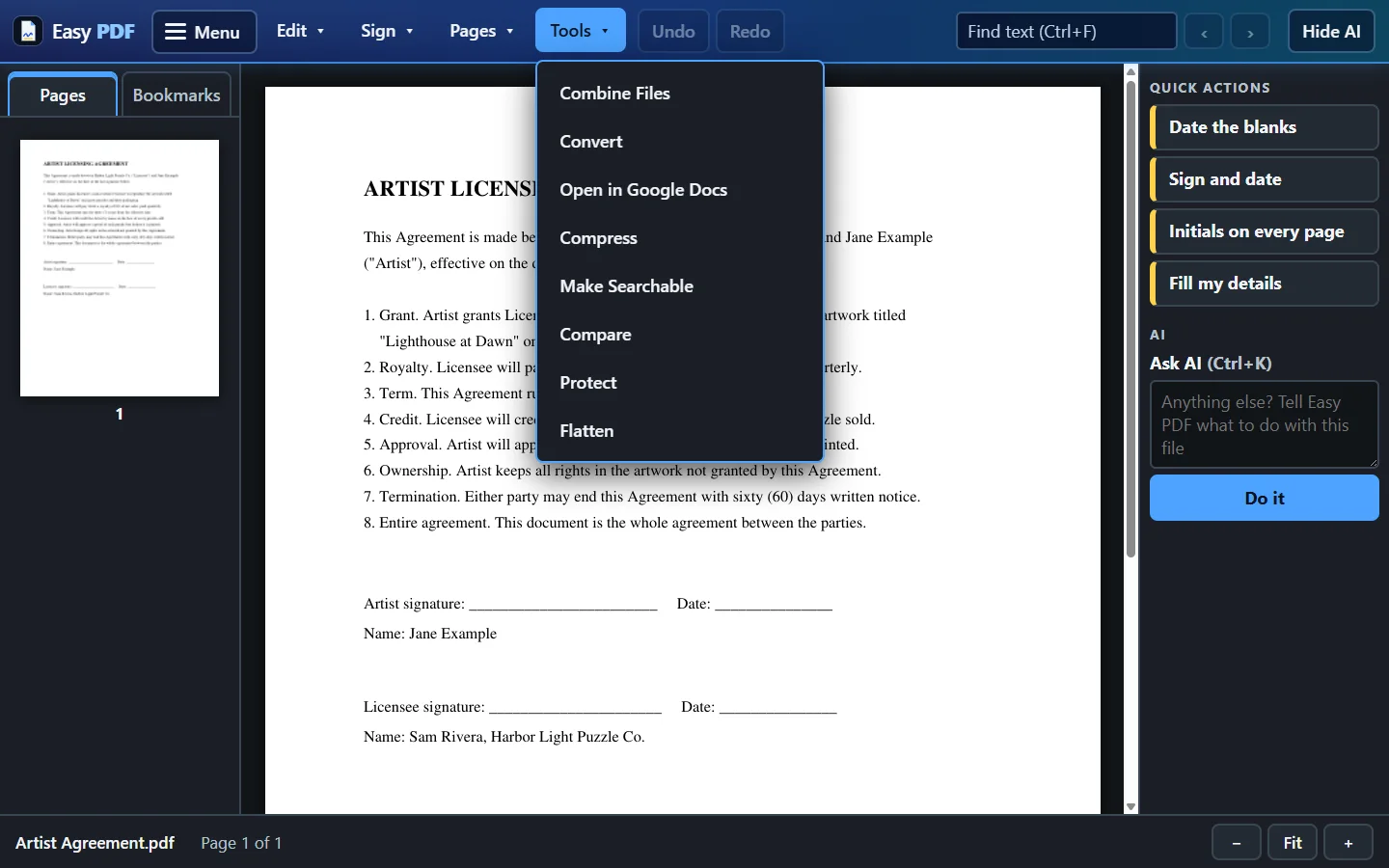
A scan is only a picture of a page, so you can't search it or copy from it. OCR reads the words and adds them to your PDF. The page looks the same as before.
- Choose your scanned PDF
- Click Make Searchable and let it read each page
- Download the PDF, now searchable
Free, no account: up to 10 files a day, up to 25 MB each. Files are deleted from our server when you close them.
More free tools
Questions
Which languages can it read?
English, Spanish and French. Clean, straight scans read best. Handwriting usually is not picked up.
Will my PDF look different?
No. The words are added behind the picture of each page, so it looks the same, but now Find works and you can copy the text.
What can I do with it next?
A searchable PDF can be turned into Word, Excel or plain text, because now there are real words to convert.
Are my files safe?
Files travel encrypted. With the free tools, each file is deleted from our server when you close it. With a plan you choose: delete each file when you close it, or keep your files for 30 days so Open Recent works, and delete everything at any time. The desktop app keeps your files on your own computer.